
Product details: size chart, translations, SEO and landing page
Everything on the product page beyond title, price and photos: size chart, translations, SKU and tags, how it shows on Google, and the ad landing page link.
Open any product from Products and scroll down to find these cards. After any change, click Save.
Size chart
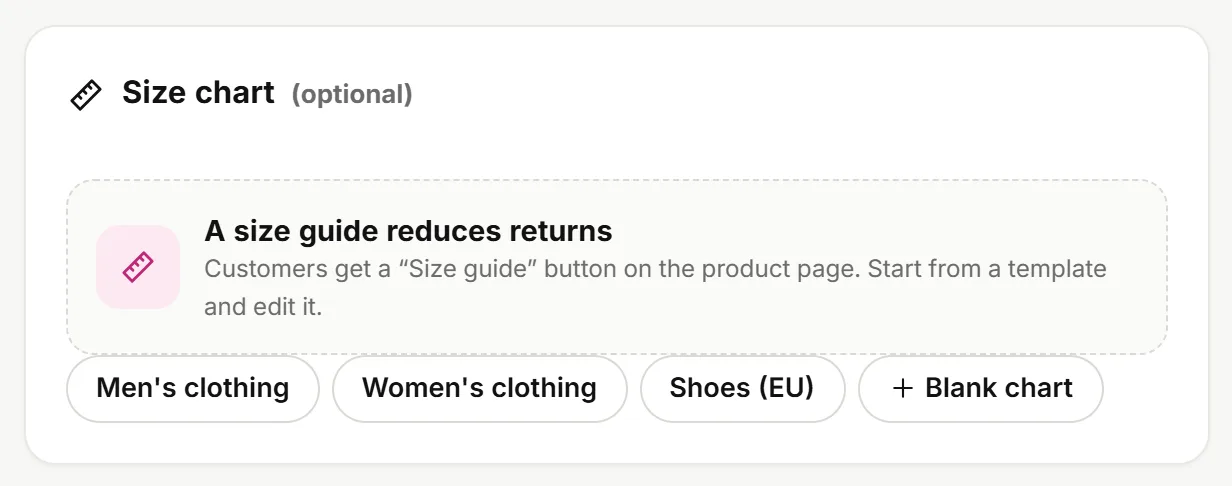
- Pick a template (men's, women's, shoes) or a Blank chart. Templates follow your store's weight unit: stores in pounds or ounces get inches, pounds and US shoe sizes; other stores get centimeters, kilograms and EU shoe sizes. You can change the weight unit in Settings.
- Edit the column titles and numbers, and add rows or columns.
- Add a Note below the chart if you like, such as "Sizes are approximate and may vary by half an inch."
Shoppers see a Size guide button on the product page. If it doesn't show, turn on the Size chart app in Apps.
Translations
If your store has more than one language, a Translations card shows a tab per language: product title, description and highlights (one per line). Anything you leave empty shows in your store's main language. Translate all with AI fills every language at once for you to review.
To add store languages: Settings → Markets & languages.
Product details
| Field | What it's for |
|---|---|
| SKU | Your internal product code; it shows in search and in exports |
| Barcode | Helps Google and other platforms identify the product |
| Weight | In your store's unit (lb, kg…) from Settings, for weight-based shipping later on |
| Tags | For search and organizing products. Press Enter after each tag |
Search engines
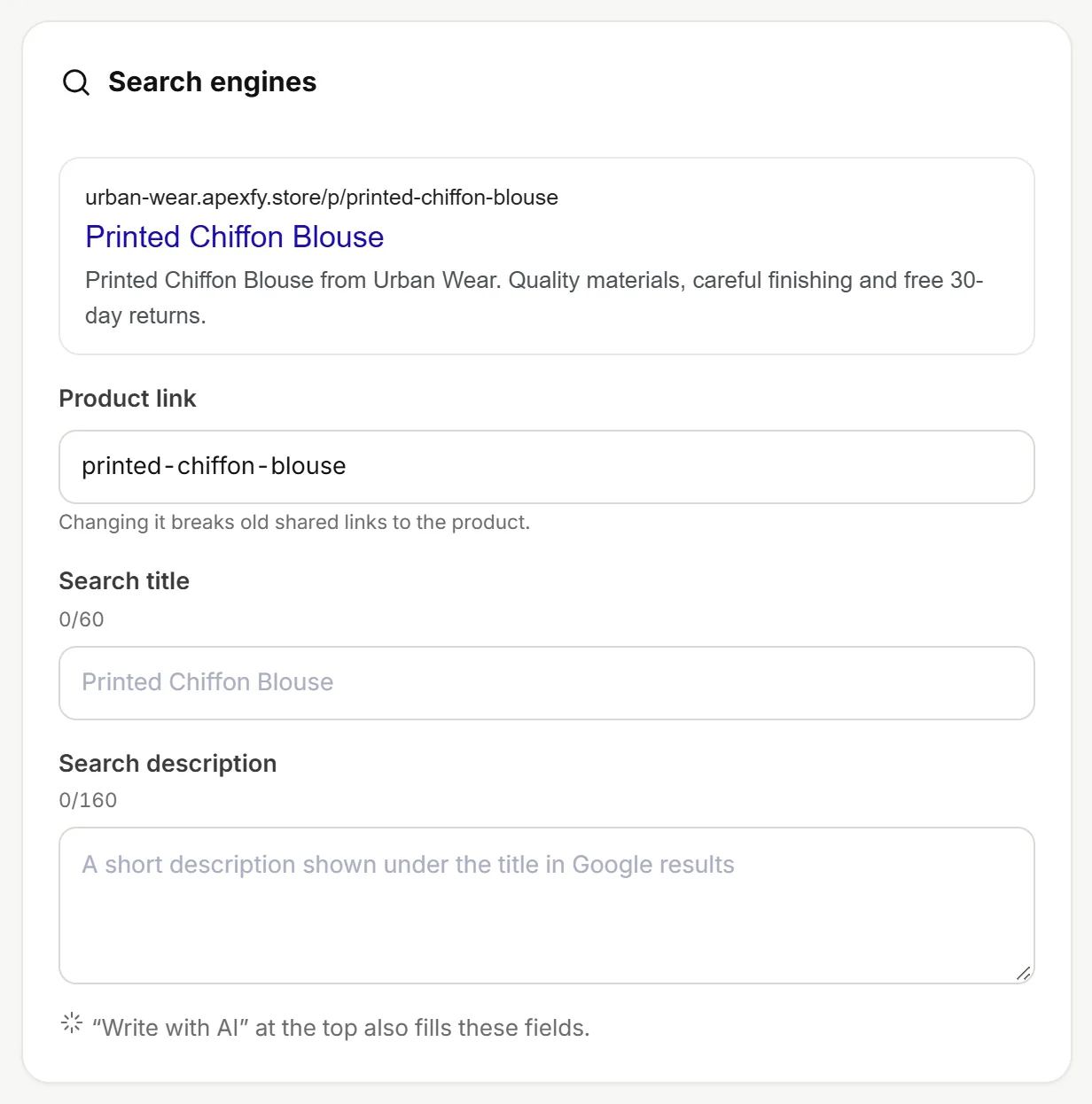
- Product link: made from the product title. Changing it breaks old links to it.
- Search title and Search description: what shows in Google results. You'll see a preview as you type.
- Write with AI at the top of the page fills these fields too. (Apexfy Magic)
Landing page
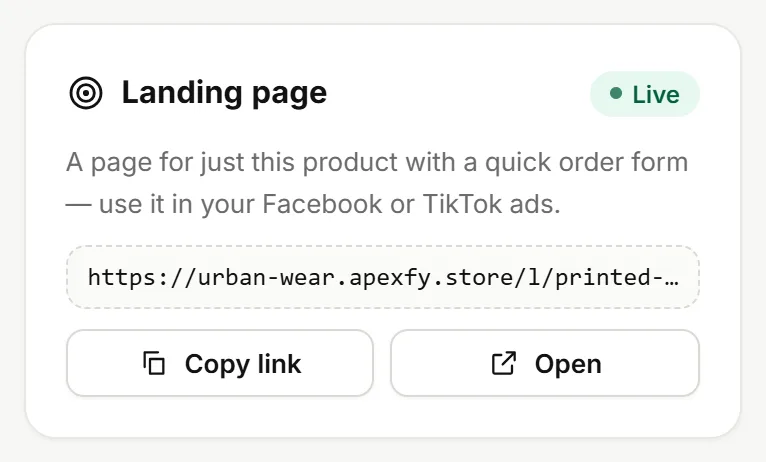
Every published product has its own page with just the product and a quick order form, with no menu or other products to distract shoppers. Click Copy link and use it in your Facebook or TikTok ads, or Open to see it.
Other cards on the page
- Store preview: a quick preview of the product as shoppers see it.
- Product rating: how many reviews are showing and how many are waiting for you (Reviews).
- Variants: see Sizes and colors.
- Categories: pick the product's category or create one (Categories and menus).