
Claim a store we set up for you
If the Apexfy team set up your store with your products, you take it over with one link and your own email — no passwords shared.
Open this page in your dashboardIf the Apexfy team set up your store with your products and photos, you'll get a claim link. That link moves the store to your own account, so nobody ever needs your password.
Steps
- Open the link you received.
- Create an account with your email, or sign in if you already have an Apexfy account.
- The Claim your store page shows the store name and the account it will belong to. Check that it's your email, then click Claim store.
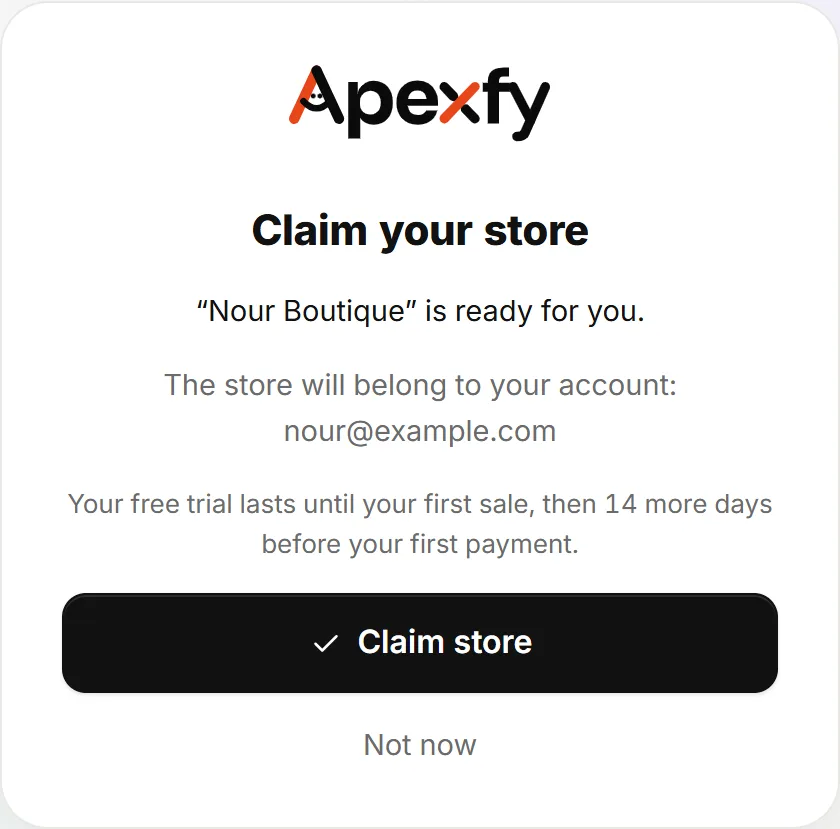
The “Claim your store” page - Your store's dashboard opens right away. You're now the only owner, and the account that set up the store no longer has any access.
Free until your first sale
Stores claimed this way don't pay anything until they sell:
- The trial lasts until your first paid or delivered order, then 14 more days, and then your regular plan starts.
- If you haven't sold within 60 days of claiming, the trial ends and you can subscribe then.
- You'll see this at the top of the dashboard (Free until your first sale) and on the Plan & billing page.
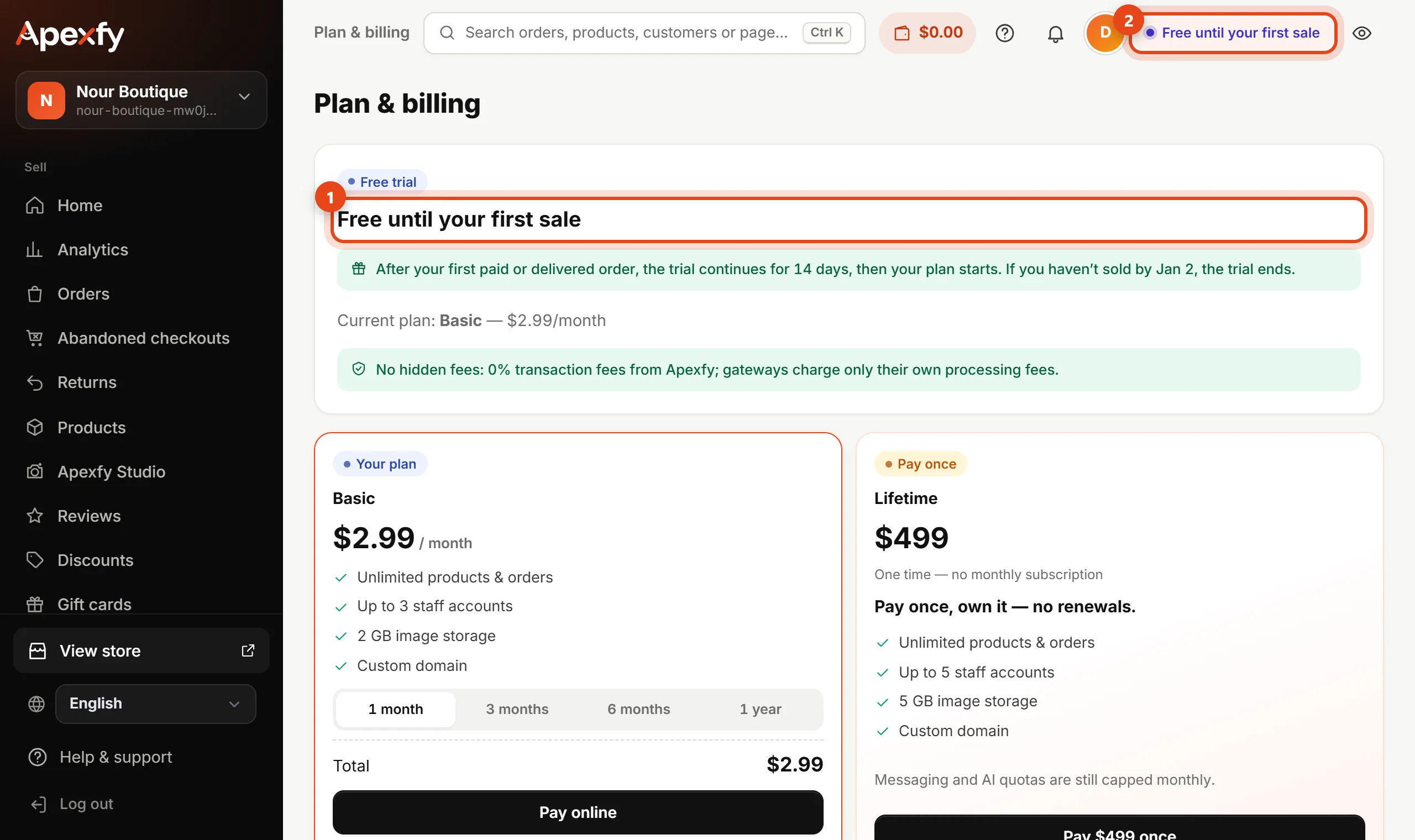
Plan & billing after claiming
Common questions
- The link doesn't work? It works once and is valid for 24 hours. Ask the person who sent it for a new one.
- Signed in with the wrong email? Don't click Claim store. Sign out, sign in with the right email, then open the link again.
- Already have 3 stores? Each account can own up to 3 stores, so claim it with another account or close a store you don't use.
- Want to add your team? After claiming, invite them from Team, each with their own email and permissions.
The products we moved for you are under Products. Check prices and inventory before you start selling.