
Payment methods
Take cards and wallets with your own Stripe or PayPal account, add cash on delivery where your customers expect it — and Apexfy takes no cut of your sales.
Open this page in your dashboardOpen Payments. It shows the providers available in your store's country.
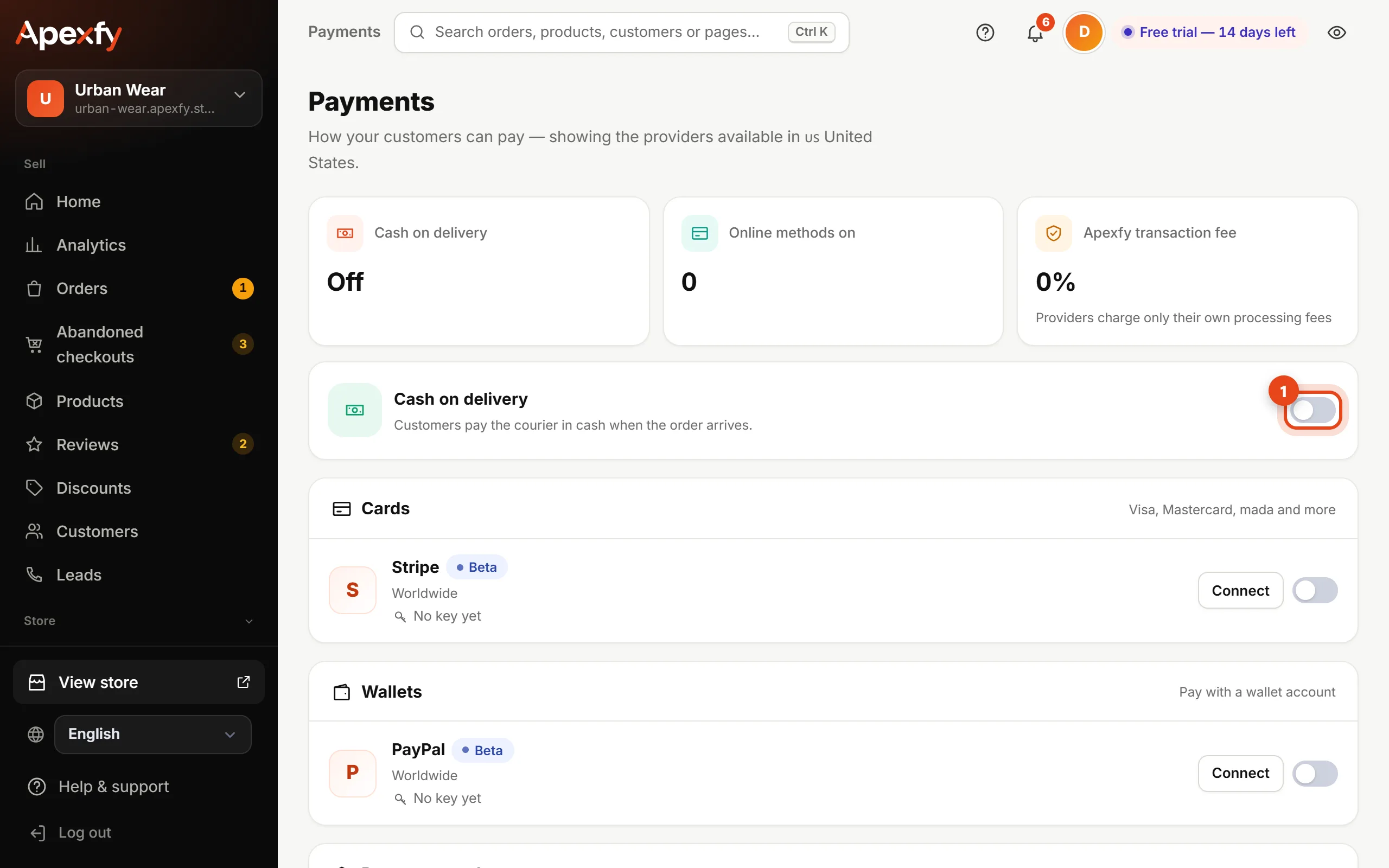
Cards and wallets
- Pick a provider (like Stripe or PayPal) and click Connect.
- Paste the keys from that provider's own dashboard. The keys are yours, and the money goes straight to your account with the provider.
- Switch the provider on to show it to customers at checkout.
With Stripe, customers can also pay with Apple Pay and Google Pay on the same checkout.
Apexfy transaction fee: 0%. You only pay the provider's own processing fees. Some providers are marked “Beta” or “Coming soon”.
Cash on delivery
In some markets (like Egypt and the Gulf) customers prefer to pay the courier in cash. Switch Cash on delivery on here if you sell there — then confirm orders before shipping to cut returns.
For accurate profit, enter your card fee (and cash-on-delivery fee, if you use it) in the Real profit settings.