
Quick search (Ctrl + K)
Jump to any order, product, customer, page or help article from your keyboard, anywhere in the dashboard.
Open this page in your dashboardPress Ctrl + K (or ⌘ + K on a Mac), or /, or click the search box at the top of the page.
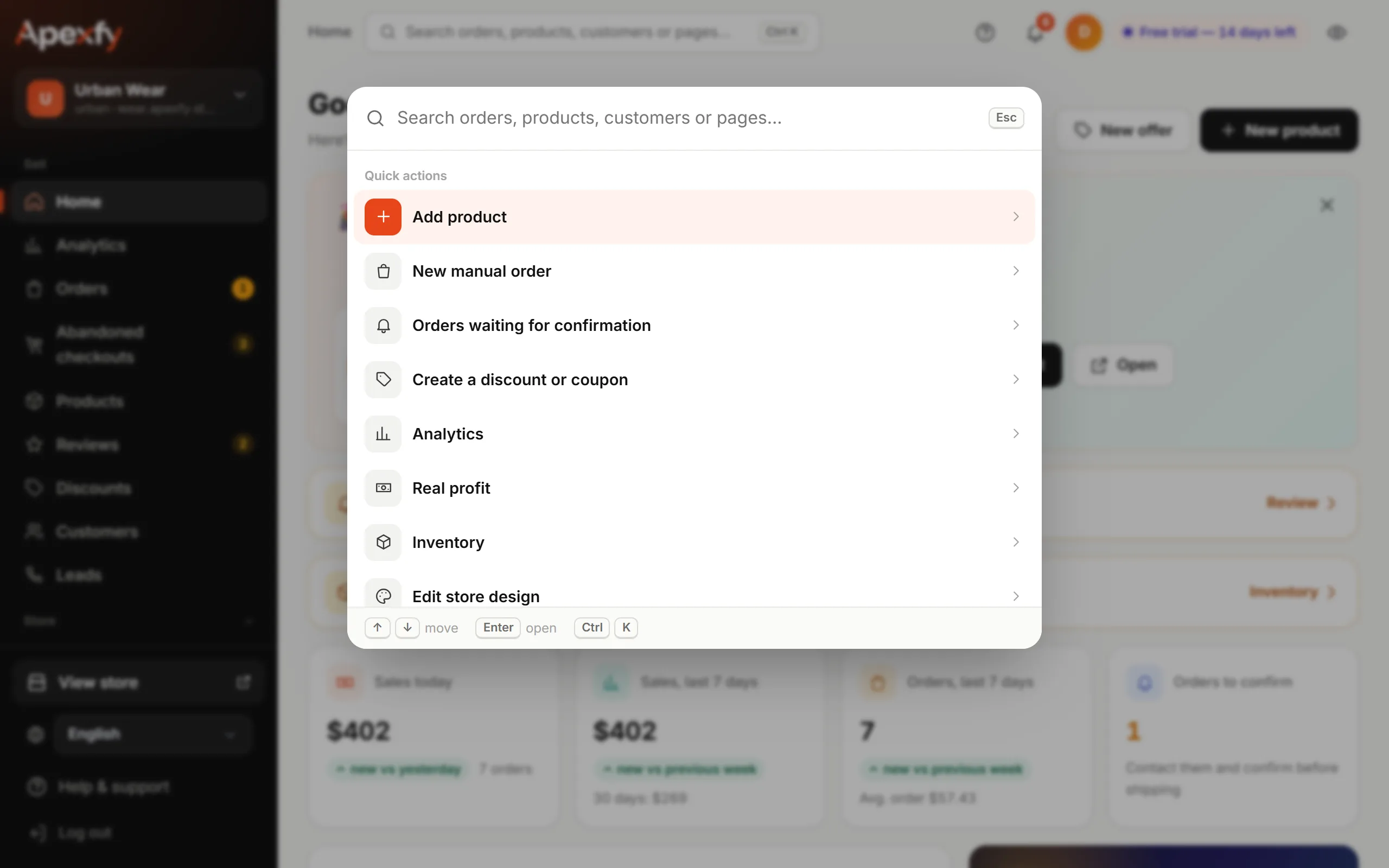
What you can find
- Quick actions: add a product, a manual order, orders waiting for confirmation, a new discount, profit, inventory…
- Orders by order number or the customer's phone in any format (with or without the country code).
- Products by title, SKU or barcode.
- Customers by name or phone.
- Pages and Help: type “shipping”, for example, to reach the Shipping page and its guide.
- What you opened recently shows first next time.
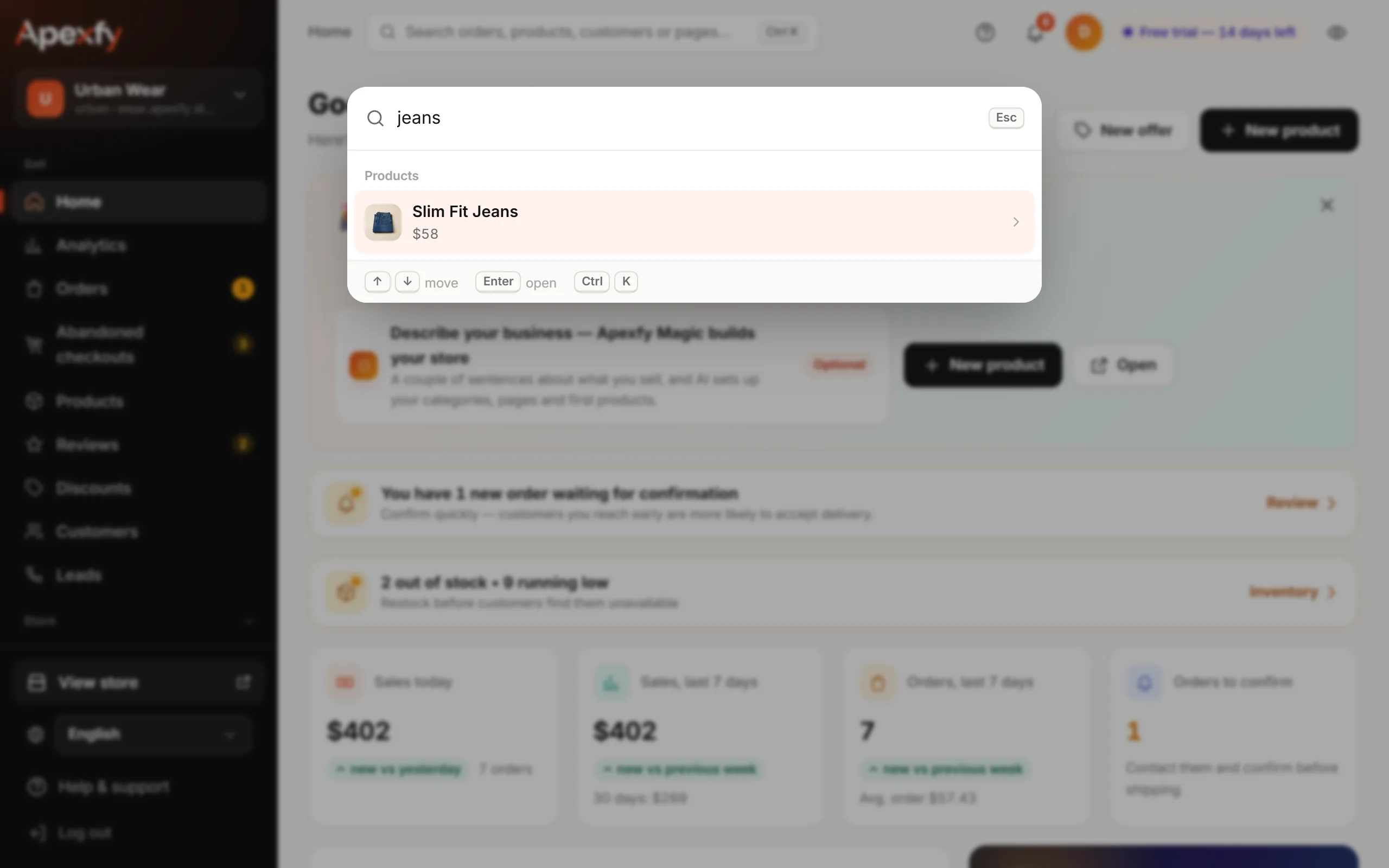
Moving around
Move through results with ↑ ↓, open with Enter, close with Esc.
Following up by phone? Paste the customer's number as it is to jump straight to their order.